 Let's dive right into how Iwoscan can reshape your manufacturing pipeline
Technology in manufacturing is useful when it gives the operator the information needed for the current task, helps problems reach the right person faster and reduces uncertainty at the workstation. For the company, the same system provides factual data about order progress, operation duration, downtime, produced quantities and quality.
Iwoscan connects the production task, the workstation and the process taking place there. The operator sees what needs to be done, while the production manager can evaluate how the plan is actually being executed and where losses appear.
Current Tasks and Instructions at the Workstation
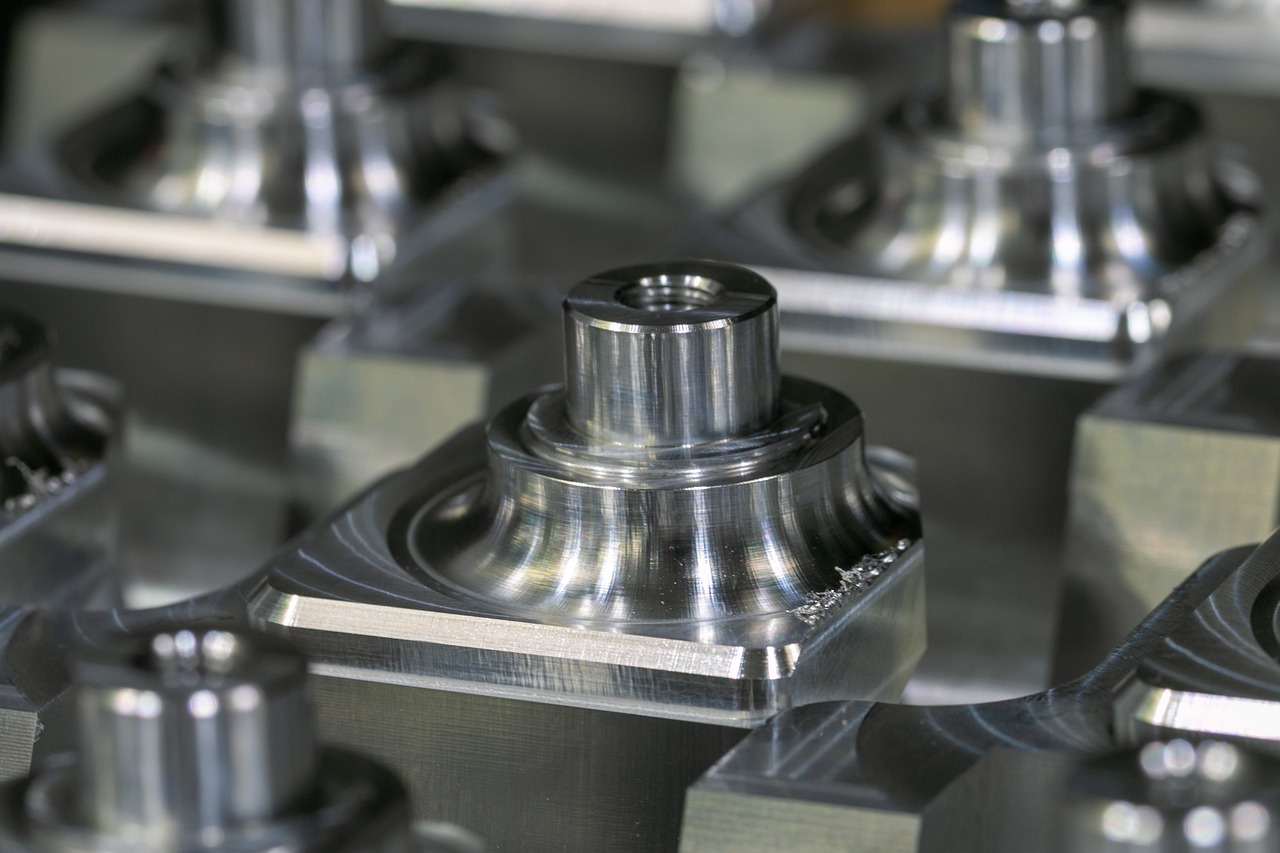
The workstation terminal can show the operator all information required for a specific operation:
- product and order;
- planned quantity;
- operation description;
- drawing or work instruction;
- materials and tools to be used;
- quality inspection requirements;
- previous and next production step.
The operator sees the current version of the task immediately. When the product, operation sequence or quality requirements change, the information is updated at the workstation. This is especially useful in companies that manufacture different products, run small batches or change the production plan often.
Fast Identification of Tasks and Parts
QR and barcodes can be used to identify tasks, parts, production batches and intermediate products. After scanning the code, the system opens the related operation and records the start or continuation of its execution.
Workstations can use integrated or external automatic scanners. When a part enters the working area, its code can be read automatically. The system can then show the related task, instruction or quality requirement without the operator searching for it manually.
Identification also supports traceability. It becomes possible to see which operations the product has already passed, where it is now and which production step is planned next.
Automatic Machining File Selection
After the task is scanned, Iwoscan can automatically select and send the machining file for that part to a CNC machine or another work centre control program. Not every machine or control system allows this type of integration, but when the control software runs in a Windows or Linux environment, the solution can usually be implemented in practice.
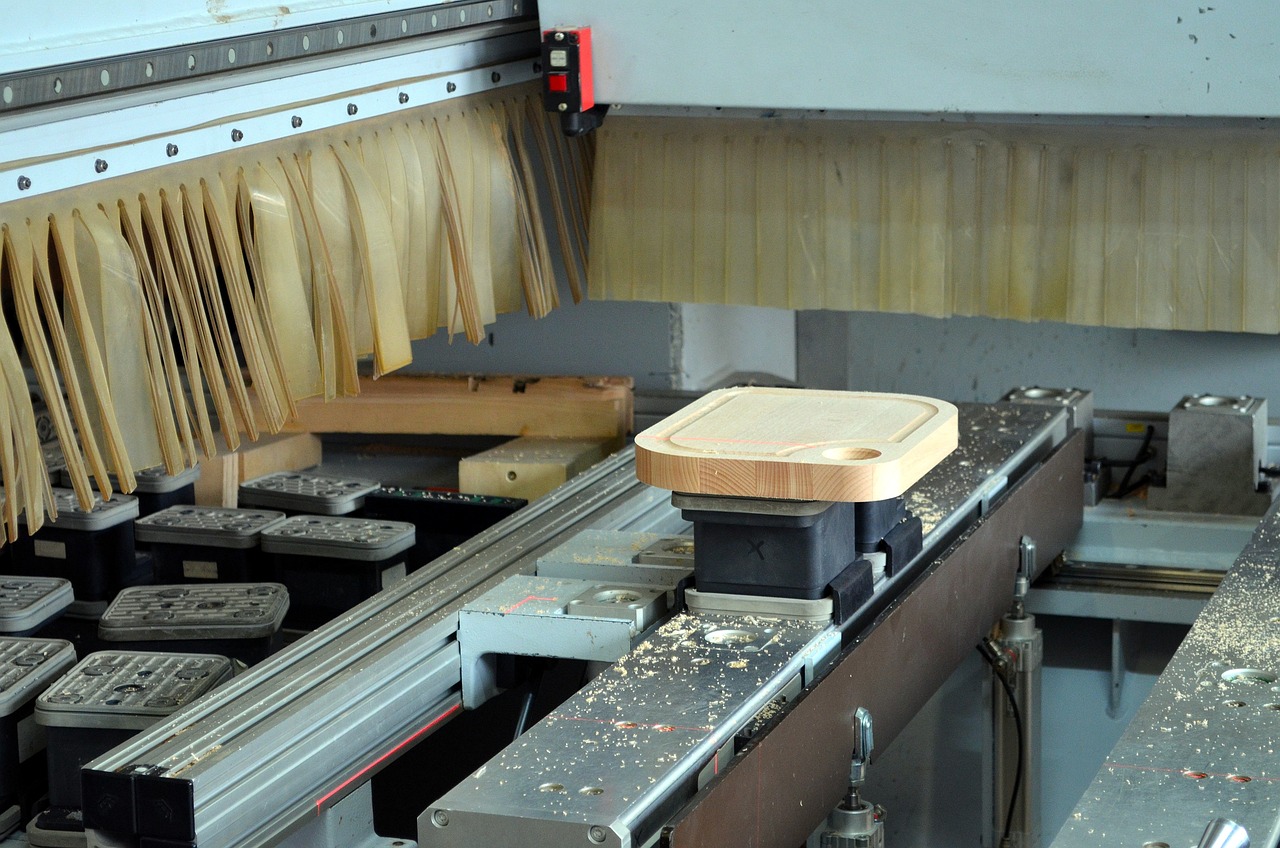
The operator no longer has to look for the correct file in folders or long program lists. This shortens preparation time and reduces the risk of selecting a machining program intended for another product or version. The value of this solution can be assessed by comparing how much time was previously spent searching for and checking the correct file.
Actual Operation Time for More Reliable Planning
The operation time entered in a planning system does not always match real working conditions. Different products may require different preparation, tools, materials or quality checks.
Iwoscan records the actual task execution time and links it to the product, operation, workstation and shift. Once data has been collected, it can be used to:
- refine operation times;
- plan work centre load more realistically;
- identify unstable operations;
- compare the complexity of different products;
- evaluate planned and actual order execution.
A more reliable plan benefits the whole production team. Workstations receive a task load that can actually be completed, while the production manager can see possible delays earlier.
Faster Response to Downtime
A problem at the workstation should reach the person who can solve it as quickly as possible. The operator can select the downtime reason in the terminal: missing material, tool failure, machine setup, technical assistance or a quality decision.
The recorded event is sent to the responsible person together with the workstation, task and problem information. This shortens response time and makes it visible whether the issue is already being handled.
Downtime history helps identify recurring problems. If the same workstation repeatedly lacks material, has tool failures or waits for quality approval, the underlying cause can be addressed instead of solving only the consequence each time.
Quality Information Linked to the Production Task
When a production defect is found, its type, quantity, operation and related order can be recorded. If needed, a photo or a short explanation can be added.
The saved link between the defect and the production history helps determine which material was used, which operations were performed and whether a similar issue has occurred before.
The workstation can also show an additional inspection step, an updated instruction or a warning about a previously detected issue. This allows quality information to be used while production is still in progress, not only in a final report.
Registration of Manual Operations
An automated machine can send running, stopped and produced quantity signals directly from its controller. Manual operations require data collection methods suitable for the workstation: terminals, code readers, buttons or sensors.
When activity must be detected in a specific working zone, high-frequency radar or LIDAR sensors can be used. They create a map of the area and can separate the operation taking place at the workstation from people passing nearby or forklifts moving through the same area.
The data collection method is selected according to the process. In one place, scanning the part code may be enough. In another, a machine signal is used. In a more complex manual assembly workstation, several methods may be combined.
Operator Experience Complements Production Data
System data shows where and when the process deviated, but the reason is often best known by the person performing the task.
The operator can indicate that a semi-finished part was not suitable, a tool was missing, an instruction was unclear or a different material was needed to finish the operation. This information helps distinguish a one-off case from a recurring process problem.
By combining operator feedback with factual production data, the company can improve workstation layout, instructions, material supply or the sequence of operations.
The European Commission's Industry 5.0 direction emphasises human-centric manufacturing, where technology strengthens employee capabilities, supports learning and helps create safer workplaces. EU-OSHA also emphasises that companies should clearly define what workplace data is collected and how it is used.
Clearer Work and More Reliable Data
Iwoscan helps the operator receive current task information, report problems faster and see the progress of production. The company receives more reliable data for planning, downtime analysis, quality assurance and production process improvement.
The value of technology does not come from the amount of data collected, but from how that data is used to improve the workstation and the entire production process.