
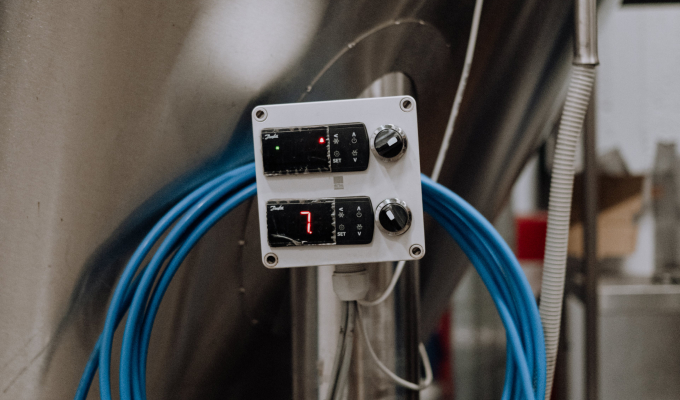

Define what a good result means
The team agrees on clear quality criteria: what must be checked, which limits are acceptable, and what information must remain in the product history.
Instant consultation, immediate impact. Why wait?
 Let's dive right into how Iwoscan can reshape your manufacturing pipeline
Our experts are here to guide you through the transformation
No strings attached
Welcome to the Iwoscan!
At Iwoscan, we are more than just a company; we are the pioneers of precision and efficiency, the architects of innovation, and the champions of progress.
Sign in and embark on the journey together!
If you still need to register, we encourage you to create an account and elevate your experience. You'll gain:
- Exclusive access to analytics
- The ability to personalize your experience
- Receive notifications and stay updated
Consistent product quality is the result of many everyday decisions. Iwoscan gives employees the current task, instructions and quality criteria, helps them confirm important process steps, and creates a traceable production history. Quality assurance becomes a natural part of manufacturing rather than a final check alone.
Odoo ERP friendly Built-in task splitting and merging Raw data without distortion
Quality assurance starts when a good result is clearly defined, employees have the right information, and every process leaves a reliable data trail.
A quality culture does not come from a single report. It develops by consistently connecting standards, everyday work, employee experience, and process data.
The team agrees on clear quality criteria: what must be checked, which limits are acceptable, and what information must remain in the product history.
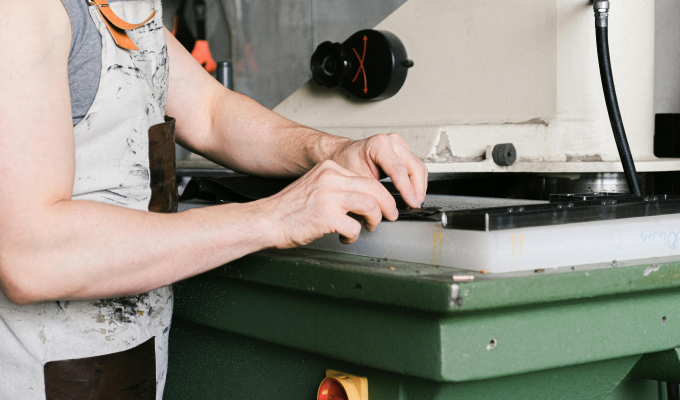
Instructions, images, and checkpoints linked to the task reach employees where the operation is performed. They no longer need to search for information across several folders or systems.
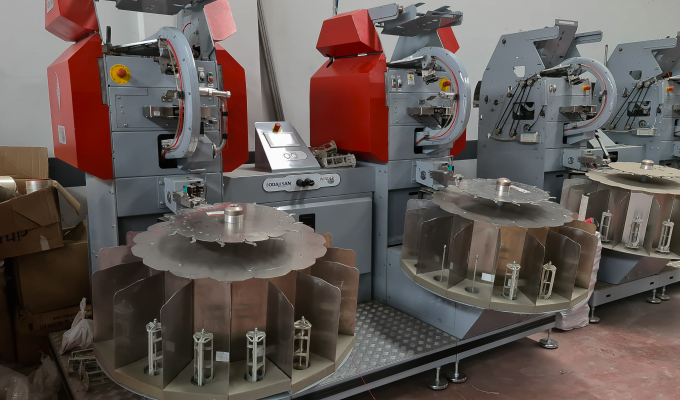
A scan, an on-screen selection, or a signal from connected equipment records the agreed process events. Data is collected while there is still time to influence the result.
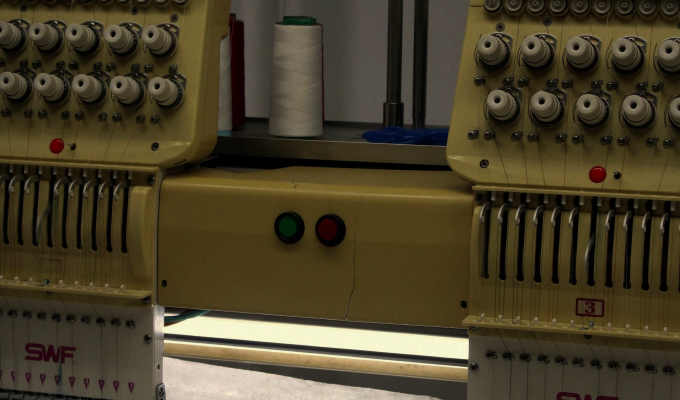
Figures reveal recurring patterns, while employee observations help explain their causes. Together they support better decisions about instructions, tooling, materials, and training.
The revised instruction or checkpoint is delivered back to the workstation. Subsequent data shows whether the change has become a stable part of everyday work.
Iwoscan connects quality requirements with the work actually being done. It helps the company not only identify a nonconformity, but first create the conditions for work to be performed correctly and consistently.

The workstation displays the instruction and quality criteria linked to the specific task.

Clear steps and visual information help a new employee understand the operation more quickly.

Process events are linked to the task, product, workstation, time, and other information required for traceability.

An employee observation or inspection result is stored together with information about the work being performed at that time.

The recorder stores data locally first, so records are not lost during temporary network interruptions.

Collected data can be transferred to an ERP, MRP, or another production and quality management system used by the company.
Briefly describe the process, equipment and data that is currently missing.
We will explain what can be recorded, which Iwoscan set is suitable and how the data can reach your systems.
Quality assurance creates the conditions for a good result before and during production: it defines the standard, provides instructions, and builds checkpoints into the process. Defect management begins after a nonconformity has been identified. Iwoscan can support both, but this page focuses on building quality into production.
Yes. Instructions, images, quality criteria, and inspection actions can be linked to a specific task, product, product version, or operation, so employees see the information relevant at that moment.
The scope depends on the process. Iwoscan can record task and product data, time, quantities, employee confirmations, selected process events, scan results, and signals from connected equipment. Employee identity is linked only when required for traceability or process accounting.
The Iwoscan recorder stores data locally first. Once the connection is restored, the data is transferred, so a temporary network interruption does not need to stop the recording of agreed process events.
A practical starting point is one product, operation, or workstation. Define the expected result, the information employees need, and a few essential checkpoints. After testing the process in real production, the solution can be refined and expanded.