The operator records a manufacturing defect
When a defective product, component or material is found, the operator selects the defect type. Buttons and cause lists are configured for the actual production process.
Instant consultation, immediate impact. Why wait?
 Let's dive right into how Iwoscan can reshape your manufacturing pipeline
Our experts are here to guide you through the transformation
No strings attached
Welcome to the Iwoscan!
At Iwoscan, we are more than just a company; we are the pioneers of precision and efficiency, the architects of innovation, and the champions of progress.
Sign in and embark on the journey together!
If you still need to register, we encourage you to create an account and elevate your experience. You'll gain:
- Exclusive access to analytics
- The ability to personalize your experience
- Receive notifications and stay updated
Iwoscan enables operators to record a manufacturing defect immediately, select its cause and pass accurate data to the people responsible. Defect and scrap management takes place in real time: the system links each event to a workstation, job, product and operator, and can automatically add the replacement quantity to the production plan.
Odoo ERP friendly Built-in task splitting and merging Raw data without distortion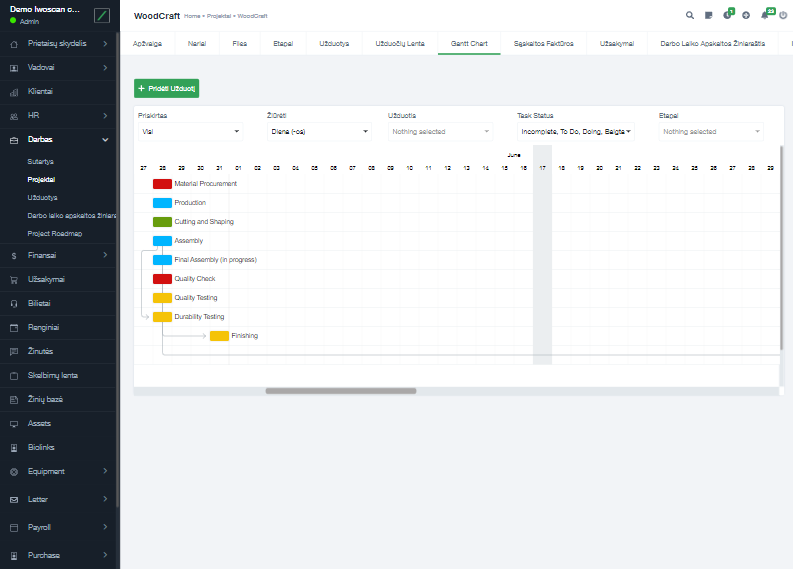
The system collects data directly at the workstation. A manufacturing defect becomes a traceable event that can be assessed and used to eliminate recurring causes of scrap and rework.
Scrap management starts with an accurate production event, not with a report completed at the end of the month.
When a defective product, component or material is found, the operator selects the defect type. Buttons and cause lists are configured for the actual production process.
The defect is linked to the active job, product, workstation, operator and exact time. If required, the equipment, supplier or material batch can also be recorded.
If the defective unit must be replaced, an additional unit is added to the production requirement automatically. Production does not have to wait until the shortage is discovered during final assembly.
Managers can see the number, causes and locations of manufacturing defects in real time, together with the related jobs. Supplier claims and internal investigations can be supported by the event history.
After changing a process, tool, material or instruction, the actual manufacturing defect data is compared between periods. This shows whether the action reduced scrap.
Iwoscan does not decide whether a product meets quality requirements. It helps record manufacturing defects on time, manage their effect on production flow and collect reliable data for root-cause analysis.

A defect is recorded with one selection, without taking the operator away from production for longer than necessary.

Every record includes its time, location and production context, so events do not have to be reconstructed from memory.

Defective units are accounted for during production, and replacement quantities can be planned before the final stage.

Reports identify recurring manufacturing defects and help verify whether corrective actions produced a measurable result.

The recorder stores data at the workstation first, so production events can still be recorded during temporary network interruptions.

Manufacturing defect data can supplement the ERP, MRP or quality management process already used by the company.
Briefly describe the process, equipment and data that is currently missing.
We will explain what can be recorded, which Iwoscan set is suitable and how the data can reach your systems.
Iwoscan records a defect event submitted by an operator, quality inspector or connected system. If measurement, machine vision or other inspection equipment provides a suitable data interface, its signals can be incorporated into the overall defect and scrap management process.
The operator selects the defect type using a physical button panel, terminal or tablet. The system adds the active job, product, workstation, operator and time automatically, so information that is already known does not have to be entered again.
The event appears in the manufacturing defect history immediately. Depending on the configured process, the system can increase the required production quantity, notify the responsible employee and update the connected production management system.
Not necessarily. Iwoscan can collect data at workstations and pass the required information to the ERP, MRP or other system already in use. The integration scope is defined after reviewing the existing software and its data interfaces.
The first step is to choose one process or workstation and define the manufacturing defects to be recorded and the actions required after each event. The input method, equipment and integration can then be selected. Implementation can start with a limited scope and expand after the process has been verified in production.